
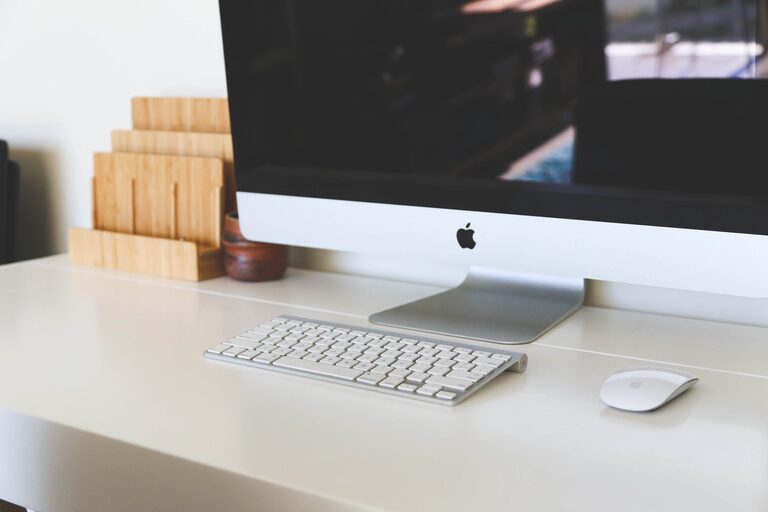
Creating a home office that is both clutter-free and productive can significantly boost your efficiency and make working from home more enjoyable. Whether you have a dedicated room or a small corner in your living space, organizing your workspace thoughtfully helps reduce distractions and keeps you motivated. Here are some practical tips to help you design an effective home office setup.
Assess Your Space and Needs
Before diving into organization, take a moment to evaluate your current workspace. Consider the following:
– The amount of space available and how you use it
– The type of work you do and materials needed
– Your daily workflow and which items you use most frequently
Knowing these will help you plan a workspace that suits your habits and minimizes clutter.
Choose the Right Furniture
Selecting the appropriate furniture can have a major impact on keeping your office tidy and functional.
Desk
Opt for a desk size that fits your space and work style. If you use multiple monitors or paper files regularly, a larger desk may be necessary. Look for desks with built-in storage, such as drawers or shelves, to keep items within reach but out of sight.
Chair
A comfortable and supportive chair improves focus and posture. Choose a model that fits your workspace and encourages good ergonomics.
Storage Units
Consider bookcases, filing cabinets, or modular storage boxes. Vertical storage solutions save floor space and keep your office organized.
Declutter Regularly
One of the easiest ways to maintain a tidy workspace is by reducing the number of items on your desk and in the room.
Keep Only Essentials on Your Desk
Limit desk items to essentials like your computer, a notebook, and a pen holder. Store other things elsewhere to keep your immediate work area clear.
Sort Through Papers
Paper clutter accumulates quickly. Set up a system to regularly sort, file, or recycle documents. Use labeled folders or file organizers to keep important papers readily accessible.
Digital Declutter
Organize your computer files and emails regularly to avoid digital clutter, which can also impact your productivity.
Utilize Organizational Tools
There are many practical tools that simplify keeping your office neat.
Desk Organizers
Trays, drawer dividers, and pen holders help keep small items sorted and prevent them from scattering around.
Cable Management
Use cable clips, ties, or boxes to keep cords untangled and out of sight. A tidy cable setup looks better and minimizes distractions.
Labeling
Label drawers, boxes, and folders for quick identification and easy access.
Maximize Lighting
A bright, well-lit office contributes to focus and reduces eye strain.
– Place your desk near a window if possible for natural light.
– Use layered lighting: combine overhead lights, desk lamps, and task lighting.
– Choose bulbs with a color temperature that mimics daylight for a welcoming ambiance.
Personalize Mindfully
Adding personal touches makes your office feel comfortable but be mindful not to overdo it.
– Choose a few meaningful items like photos or plants.
– Use a small indoor plant to improve air quality and add liveliness.
– Avoid excessive decorations that can become visual distractions.
Establish a Routine for Tidying Up
Set aside time daily or weekly to organize your workspace. Simple habits, like clearing your desk at the end of the day, help maintain a clutter-free environment and prepare you for the next work session.
Optimize Workflow
Arrange your office layout to support your workflow:
– Keep frequently used items within arm’s reach.
– Use a standing file organizer or tray for incoming and outgoing documents.
– Designate specific areas for different tasks if space allows.
Conclusion
Organizing a clutter-free and productive home office is about creating an environment that supports your work habits and minimizes distractions. By assessing your needs, choosing the right furniture, decluttering regularly, and using organizational tools, you can transform your workspace into a place where productivity flourishes. Remember, small ongoing habits are just as important as the initial setup when it comes to maintaining an efficient and inviting home office.